
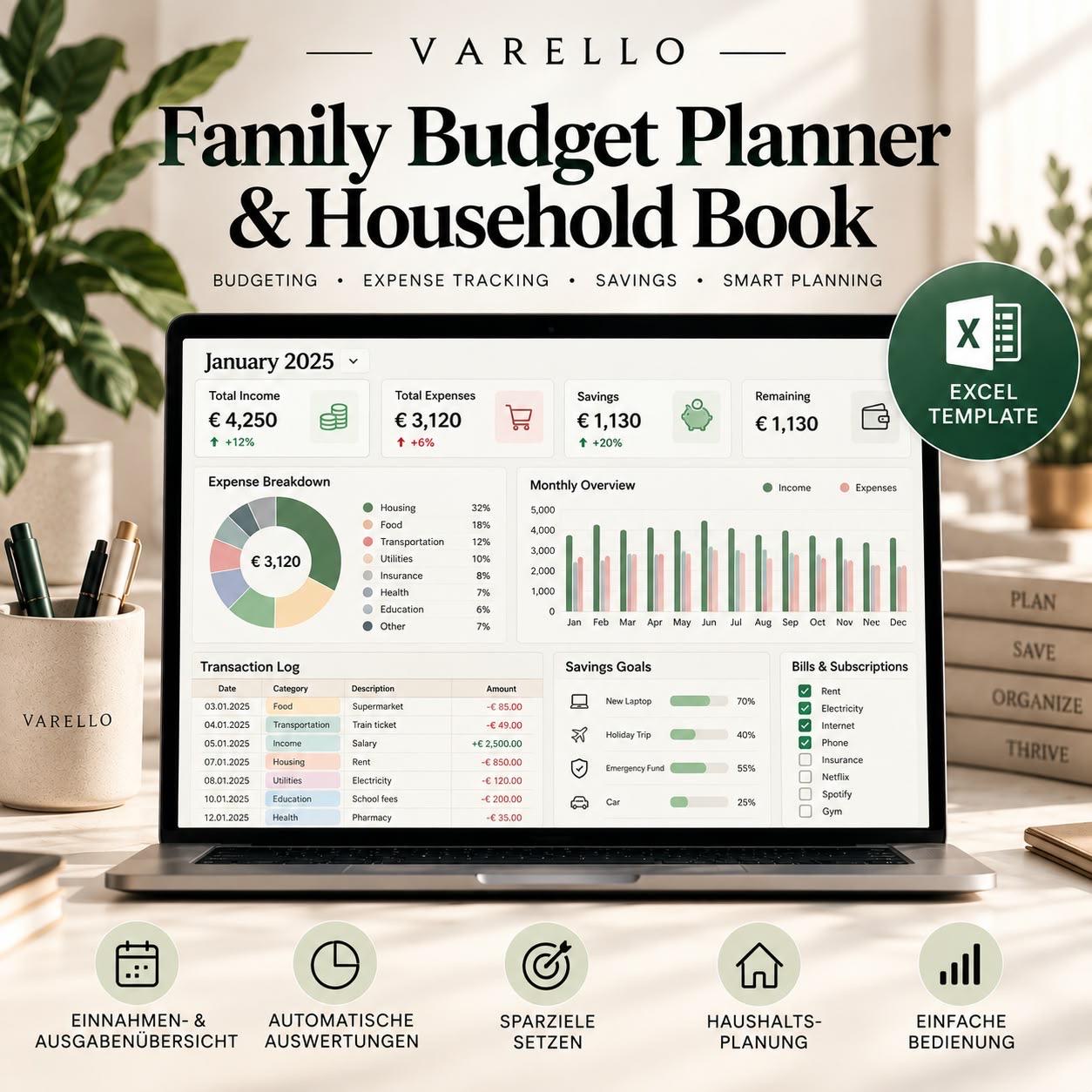
A well-planned household budget helps you keep track of income and expenses, achieve financial goals, and identify unnecessary spending early on. Excel can be used to create a clear and concise household budget, making personal budgeting significantly easier.
In this step-by-step guide, we'll show you how to structure your household budget in Excel, record your monthly income and expenses, and better plan your savings goals.
- Record income and expenses completely
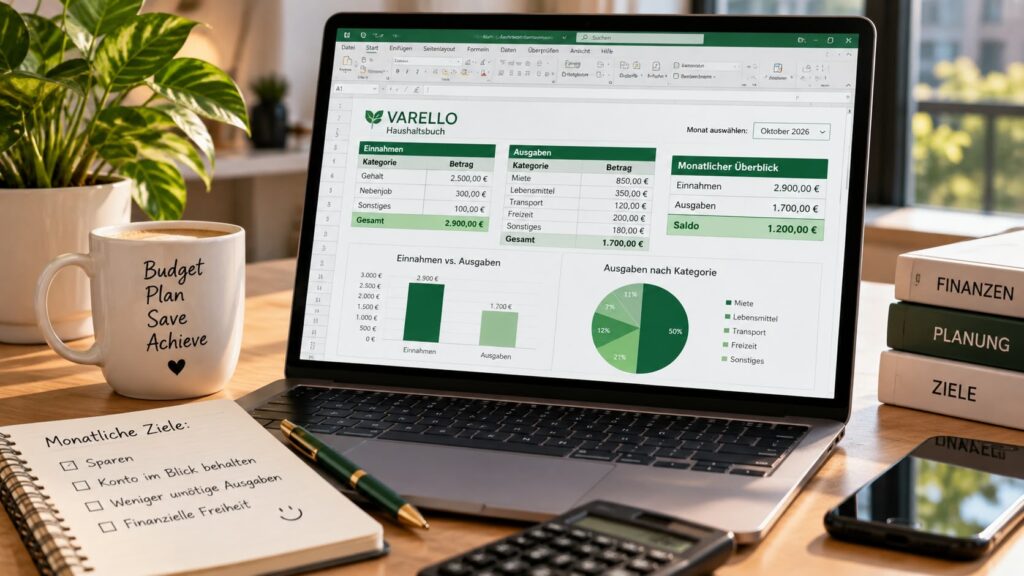
The first step to a successful household budget is a clear overview of your finances. First, enter all your regular income, such as salary, child benefits, or other earnings, into your Excel template. Then, record your fixed and variable expenses – for example, rent, insurance, groceries, transportation, and leisure activities.
This way you can quickly see where your money goes each month and in which areas there is potential for savings.
- Categorize expenses effectively
To keep your household budget organized, you should divide your expenses into clear categories. Useful categories include housing, groceries, insurance, transportation, leisure, and miscellaneous expenses.
With a well-structured Excel template, you can then more easily identify which categories consume a particularly large portion of your monthly budget. This makes your budget planning more transparent and allows you to save more effectively.
- Set realistic savings goals
A household budget should not only show you how much you spend, but also help you achieve specific savings goals. Therefore, decide how much you want to save each month for reserves, major purchases, or long-term financial goals.
With Excel, you can regularly review your savings goals and clearly track your progress. This turns your household budget into a practical tool for long-term financial planning.
- Regularly review and adjust your budget
A good household budget should be updated regularly. At the end of each month, compare your planned expenses with your actual costs and check whether you have reached your savings goal.
If your income or expenses change, you can adjust your budget plan in Excel accordingly. This regular monitoring helps you maintain a long-term overview of your finances and better plan your financial decisions.
Conclusion: A clear household budget leads to greater financial clarity.
A well-structured household budget in Excel helps you to transparently record your income and expenses, identify potential savings, and better track your financial goals.
It's crucial to regularly update your household budget and adjust your budget planning to changes. Using a suitable Excel template will save you time and keep your finances organized in one place.
Leave a Reply